Leveraging High-Performance Rockchip RK3588S for Compact Computing
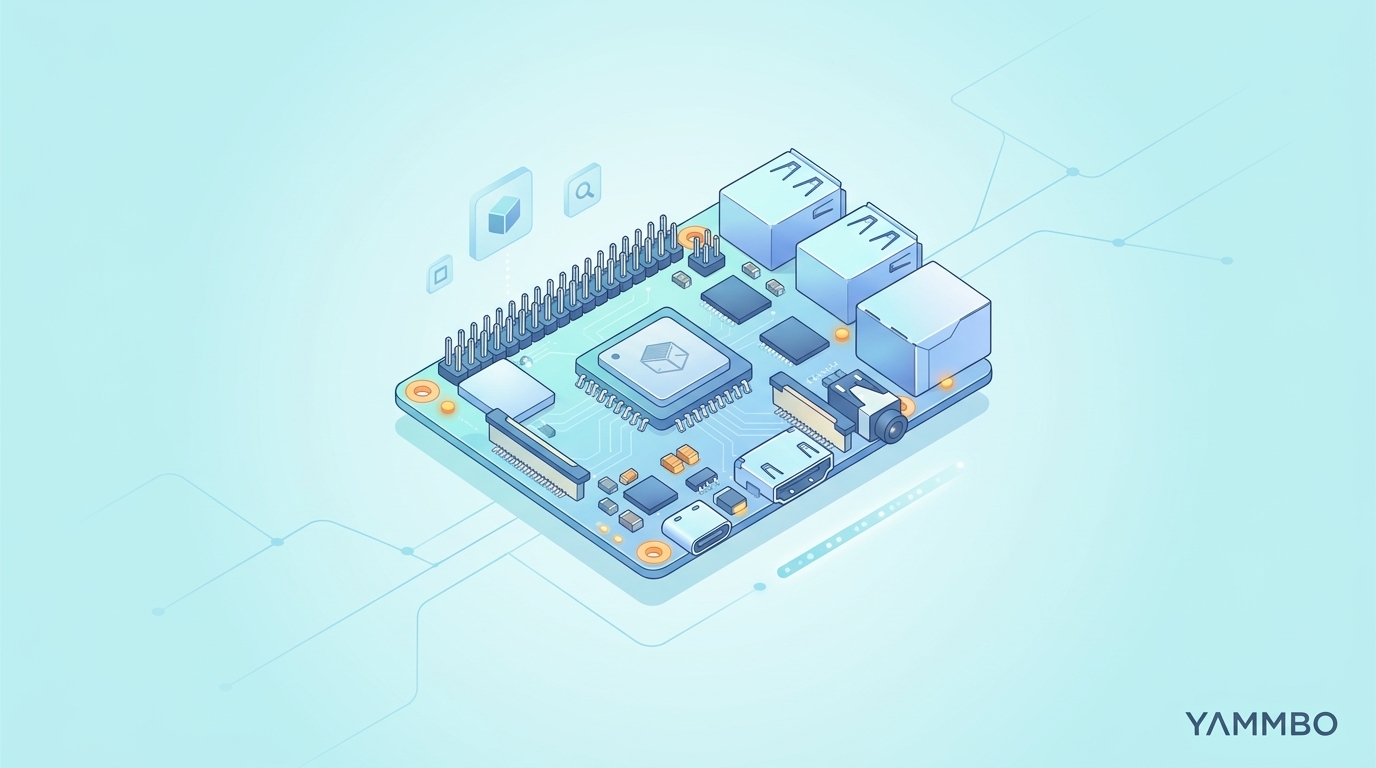
Modern computing demands increasingly powerful hardware in ever-smaller footprints. Whether you're developing advanced AI applications at the edge, building a high-resolution media center, or designing robust embedded systems, the need for compact, high-performance solutions is paramount. This tutorial guides you through understanding and utilizing single-board computers (SBCs) and compute modules powered by the Rockchip RK3588S system-on-chip (SoC), a versatile processor designed for demanding tasks within a constrained physical space.
Understanding the Rockchip RK3588S SoC
The Rockchip RK3588S is a formidable processor built on an 8nm manufacturing process, offering a compelling blend of performance and efficiency. It features an octa-core CPU configuration:
- High-Performance Cores: Four ARM Cortex-A76 cores clocked at up to 2.4GHz for demanding computational tasks.
- Efficiency Cores: Four ARM Cortex-A55 cores clocked at up to 1.8GHz for background processes and power savings.
Beyond its CPU, the RK3588S integrates a Mali-G610 MP4 GPU, capable of handling complex graphics rendering. Crucially for modern applications, it includes a dedicated Neural Processing Unit (NPU) delivering 6 TOPS (Tera Operations Per Second) for AI inference, supporting INT4, INT8, and INT16 operations. This NPU significantly accelerates machine learning workloads, making the SoC ideal for edge AI applications.
The SoC also boasts a powerful hardware video engine, enabling 8K@60fps H.265/VP9 video decoding and 8K@30fps video encoding. This makes it an excellent choice for advanced media processing, from high-resolution playback to real-time video streaming or surveillance.
It's important to note that the 'S' variant of the RK3588 is optimized for compute density over extensive peripheral I/O. While it retains the full CPU, GPU, and NPU capabilities of its larger counterpart, it features reduced peripheral bandwidth. This means fewer HDMI outputs (typically one instead of two), no HDMI input, and a single Gigabit Ethernet controller, along with the absence of PCIe 3.0. This design choice focuses the RK3588S on applications where raw processing power and a compact form factor are prioritized over a multitude of high-speed external interfaces.
Exploring the Compact SBC Form Factor
Many boards featuring the Rockchip RK3588S adopt a compact, single-board computer (SBC) form factor, often mirroring the dimensions and pinout of popular development boards like the Raspberry Pi. Typically measuring around 85 x 56 x 17mm, these boards offer a comprehensive set of features for various projects.
Key Features of a Compact RK3588S SBC:
- Networking: Integrated Wi-Fi 6 and Bluetooth 5.0 for wireless connectivity, often complemented by Gigabit Ethernet, sometimes with optional Power over Ethernet (PoE) support via an add-on module.
- USB Connectivity: Multiple USB ports, commonly including two USB 3.0 ports for high-speed peripherals and two USB 2.0 ports for general use.
- Display Outputs: Versatile display options, typically including HDMI 2.1 supporting resolutions up to 8K@60fps, a DisplayPort 1.4 over USB-C, and a 2-lane MIPI DSI connector for embedded displays.
- Camera Input: A MIPI CSI connector, often supporting cameras up to 5MP, for computer vision applications.
- Storage: Flexible storage solutions, often featuring a removable eMMC module (ranging from 16GB to 128GB) and a microSD card slot. The removable eMMC is a significant advantage, allowing for easy upgrades or re-flashing on another machine without desoldering.
- GPIO and Peripherals: A rich set of general-purpose input/output (GPIO) pins, including CAN, SPI, PWM, multiple UARTs, I2C buses, and Analog-to-Digital Converters (ADCs), providing extensive interfacing capabilities for sensors and custom hardware.
- Power Input: A wide voltage input range, often from 5V to 23V, offering flexibility in power supply choices.
- Raspberry Pi Compatibility: Many boards feature a 40-pin header that is hardware-compatible with Raspberry Pi accessories, including HATs (Hardware Attached on Top), the official 7-inch display, IMX219-based camera modules, and various cooling solutions. This broadens the ecosystem of available peripherals and reduces development effort if you already have Pi accessories.
Typical Use Cases for an RK3588S SBC:
These compact SBCs excel as powerful media boxes, AI edge computing devices for real-time inference, or as core components for robotics and automation projects where space is at a premium. Their broad compatibility with Raspberry Pi accessories further enhances their versatility.
Verification:
To confirm the functionality of your SBC, ensure that the chosen power supply falls within the specified voltage range. When using Pi HATs, verify their compatibility with the 40-pin header documentation for your specific board. Test display outputs by connecting to a monitor and booting an operating system.
Implementing Solutions with a Compute Module
For highly integrated or embedded applications, the Rockchip RK3588S is also available in a compute module (CM) form factor. Unlike an SBC, a compute module contains only the essential components: the processor, memory, storage, and power management circuitry, without standard physical input/output ports like USB, HDMI, or Ethernet.
Characteristics of an RK3588S Compute Module:
- Form Factor: These modules are significantly smaller, typically measuring around 55 x 40mm, making them ideal for embedding into custom hardware designs.
- Memory and Storage: Available with substantial LPDDR4/4X RAM (up to 32GB) and eMMC storage (up to 256GB), providing ample resources for complex applications.
- Interfacing: All I/O capabilities are exposed through high-density connectors (e.g., 100-pin connectors) on the module's edge. These interfaces include HDMI 2.1, DisplayPort 1.4, MIPI CSI/DSI, USB 3.0, PCIe 2.0/SATA, and various GPIO buses.
The Role of a Carrier Board:
To utilize an RK3588S compute module, a carrier board is essential. This board provides the necessary physical connectors and power delivery to make the module functional and accessible. A typical IO carrier board for an RK3588S compute module might include:
- HDMI and USB-C DisplayPort outputs.
- Multiple USB 3.0 ports.
- Gigabit Ethernet.
- A 40-pin header for Raspberry Pi compatibility.
- An M.2 M-key slot for NVMe SSDs, offering high-speed external storage.
- MicroSD card slot.
- MIPI camera and display connectors.
- Power input, often a 12V DC barrel jack, providing stable power for the module and its peripherals.
Typical Use Cases for an RK3588S Compute Module:
Compute modules are best suited for industrial automation, custom kiosks, smart appliances, and other embedded products where a tailored hardware design is required, and long-term availability (often committed for many years) is critical for product lifecycle management.
Verification:
When working with a compute module, ensure it is correctly seated on its carrier board. Verify power delivery through the carrier board's power input. Test exposed interfaces on the carrier board (e.g., HDMI, USB) by connecting peripherals and booting an OS, confirming that the module communicates correctly with the carrier's components.
Getting Started with Your Compact Board
Setting up your RK3588S-based SBC or compute module involves a few fundamental steps to get an operating system running and begin development. This section outlines a general procedure.
- Prepare Your Storage Medium:
Depending on your board, you'll need either an eMMC module or a high-quality microSD card. For eMMC modules, ensure it's properly inserted into the dedicated slot. If using a microSD card, select one with sufficient capacity (e.g., 32GB or more) and a high speed rating (Class 10 or U1/U3).
- Download and Flash the Operating System Image:
Obtain a compatible operating system image for your specific RK3588S board. Common choices include Linux distributions like Ubuntu, Debian, or Android tailored for ARM architectures. Use a flashing tool like balenaEtcher (for both eMMC and microSD) or command-line tools like
dd(for Linux/macOS) to write the image to your chosen storage medium.# Example for flashing to microSD on Linux (replace /dev/sdX with your device)sudo dd if=/path/to/your/image.img of=/dev/sdX bs=4M status=progress oflag=dsync - Connect Essential Peripherals:
Before applying power, connect the necessary peripherals. This typically includes:
- A display via HDMI or DisplayPort.
- A USB keyboard and mouse for interaction.
- An Ethernet cable for wired network access, or attach Wi-Fi antennas if your board has external connectors.
- Any specific power-related modules, such as a PoE add-on if you intend to use it.
- Apply Power and Boot Up:
Connect the appropriate power supply to your board. For an SBC, this might be a USB-C power brick or a barrel jack within its wide voltage range. For a compute module on a carrier board, typically a 12V DC barrel jack. The board should power on, and you should see activity on your connected display.
- Perform Initial OS Setup:
Once the operating system boots, follow any on-screen prompts for initial configuration, such as setting up user accounts, network connections, and updating software packages. For headless setups, you might need to access the board via serial console or SSH after initial network configuration.
# Example for updating packages on a Debian/Ubuntu based systemsudo apt updatesudo apt upgrade
Verification:
A successful boot will present you with a graphical desktop environment or a command-line interface. Verify network connectivity by pinging an external address or browsing a website. Ensure all connected USB devices are recognized by the operating system.
Harnessing AI and Media Capabilities
The Rockchip RK3588S SoC is particularly powerful for AI inference and advanced media processing. Here's how you can begin to leverage these capabilities.
1. AI Inference with the NPU:
The integrated 6 TOPS NPU is designed to accelerate machine learning models. To utilize it:
- Install NPU SDK and Libraries: Manufacturers typically provide an SDK (Software Development Kit) and specific libraries (e.g., RKNPU, RKNN Toolkit) that allow applications to interface with the NPU. Follow the documentation for your specific board to install these.
- Model Conversion: Most AI models are trained using frameworks like TensorFlow or PyTorch. To run them efficiently on the NPU, they often need to be converted into a format compatible with the NPU's runtime (e.g., RKNN model format). The SDK usually includes tools for this conversion.
- Run Inference: Develop your application using the provided NPU libraries to load the converted model and perform inference. This involves feeding input data (e.g., an image for object detection) to the NPU and processing its output.
For example, a Python script might load an RKNN model and run inference on an image:
import rknnbase# Initialize RKNN contextrknn = rknnbase.RKNNBase(verbose=True)# Load RKNN modelrknn.load_rknn('path/to/your_model.rknn')# Initialize runtime environmentrknn.init_runtime()# Load and preprocess input imageimg = load_image_and_preprocess('path/to/image.jpg')# Run inferenceoutputs = rknn.inference(inputs=[img])# Process outputs and display results...rknn.release()Verification:
Monitor NPU usage during inference (if tools are provided by the SDK) and compare inference speeds against CPU-only execution to confirm acceleration. Check the accuracy of your model's predictions.
2. Advanced Media Processing:
The hardware video engine of the RK3588S makes it an excellent platform for high-resolution video tasks.
- Utilize Hardware Decoding:
For media playback, ensure your media player or application is configured to use hardware acceleration. Frameworks like GStreamer or FFmpeg, when compiled with appropriate hardware acceleration flags (e.g., for Rockchip's VPU), can leverage the 8K@60fps H.265/VP9 decoding capabilities. This allows for smooth playback of very high-resolution content with minimal CPU load.
- Implement Hardware Encoding:
For tasks like video streaming, surveillance, or content creation, the 8K@30fps encoding capabilities are invaluable. Applications can use GStreamer or FFmpeg with hardware encoding plugins to compress video streams in real-time. This is particularly useful for reducing bandwidth requirements or storage space for high-resolution video.
A GStreamer pipeline for hardware-accelerated H.265 encoding might look like this (conceptual):
gst-launch-1.0 v4l2src device=/dev/video0 ! video/x-raw,width=3840,height=2160,framerate=30/1 ! rkvideoconvert ! video/x-raw,format=NV12 ! mpph265enc ! h265parse ! rtph265pay config-interval=1 pt=96 ! udpsink host=192.168.1.100 port=5000This example demonstrates capturing from a camera, converting, encoding with the hardware encoder (mpph265enc), and streaming it over UDP.
Verification:
Play an 8K video file and monitor CPU usage; it should be significantly lower than software-only decoding. For encoding, verify the output video quality and file size, and ensure real-time performance without dropped frames.
The Rockchip RK3588S SoC, whether in a compact SBC or an embedded compute module, offers a powerful and versatile platform for a wide range of demanding applications. By understanding its core capabilities and following these general setup and utilization steps, you can unlock its potential for your next AI, media, or embedded project. Explore how Yammbo Web can help you launch your next online project.