Optimize RAG Latency: Prioritize Data Locality Over Raw GPU Speed
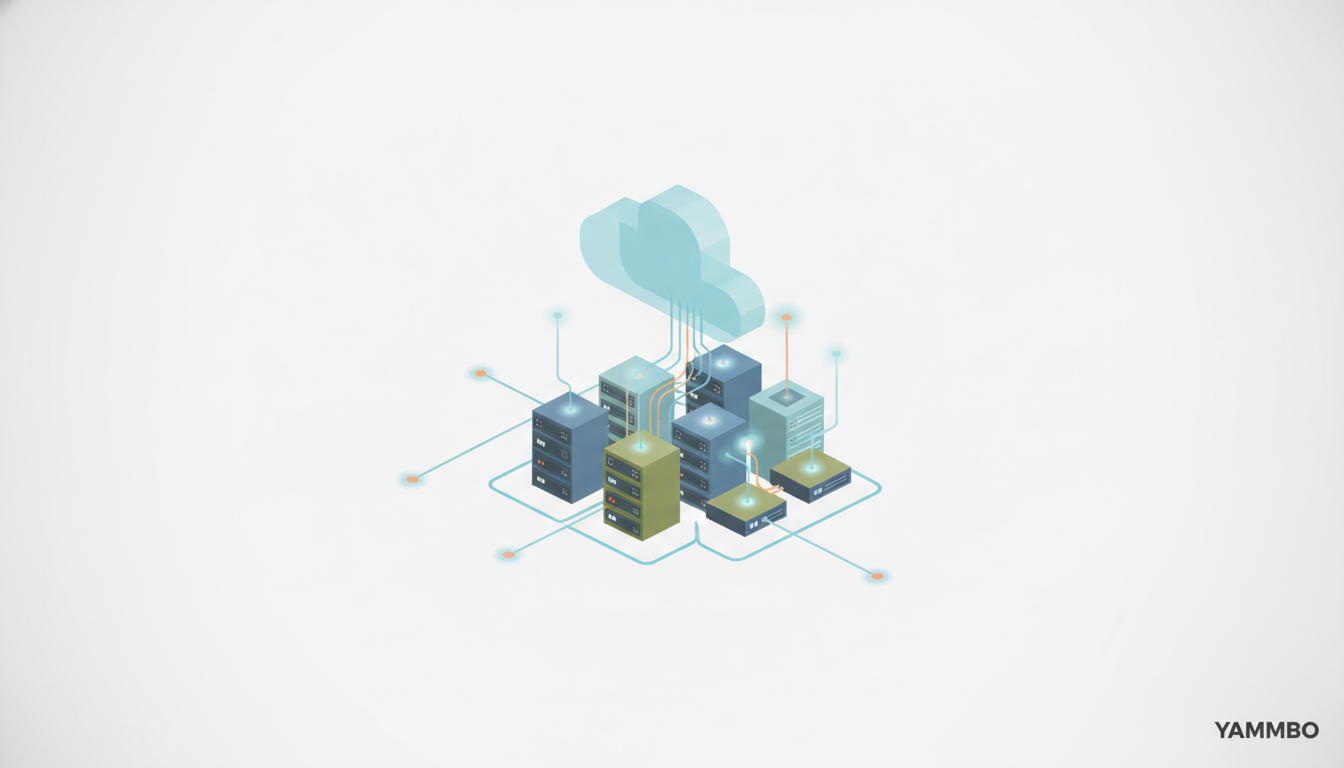
When building or optimizing a retrieval-augmented generation (RAG) pipeline, achieving low latency is crucial for a smooth user experience. While it's tempting to focus on upgrading to faster GPUs, the location of your data often plays a more significant role in overall response time. If your RAG model, running on a powerful GPU, has to traverse significant network distances to fetch vectors, documents, and metadata, even the fastest GPU won't eliminate the delays users perceive. This tutorial will guide you through understanding why data locality matters and how to measure its impact on your RAG system.
Step 1: Deconstruct the RAG Pipeline for Performance Bottlenecks
A typical RAG workflow involves several sequential and parallel operations. Understanding which parts are compute-bound (benefiting from a faster GPU) and which are I/O-bound (sensitive to network latency) is the first step to effective optimization.
A single RAG query can involve the following stages:
- Query Embedding Generation: The user's input query is converted into a vector embedding. This step can be GPU-accelerated.
- Vector Index Search: The generated query embedding is used to search a vector database for relevant document chunks. This often involves network communication with the database.
- Metadata Filtering: Retrieved vector results might be filtered based on associated metadata (e.g., tenant ID, date, permissions). This usually involves database queries.
- Document Retrieval: The full text of the identified document chunks is fetched from a document store or the same database. This is a significant network I/O step.
- Reranking: The retrieved documents are re-ordered based on relevance to the query, often using a more sophisticated model. This step can be GPU-accelerated.
- Prompt Construction: The original query and the retrieved, reranked documents are assembled into a prompt for the large language model (LLM).
- LLM Inference (Text Generation): The constructed prompt is sent to the LLM, and the model generates a response. This is the primary GPU-bound step.
A faster GPU primarily accelerates steps like query embedding, reranking, and LLM inference. However, any step that requires fetching data from a remote source introduces network latency. When multiple data retrieval steps occur, these individual delays accumulate, potentially overshadowing any gains from GPU speed.
Step 2: Unpack the Hidden Costs of Remote Data Access
Each interaction with a database or document store located remotely incurs a series of network overheads that add up, even for seemingly small data transfers. These costs are inherent to network communication and are independent of your GPU's speed.
A single request to a remote database can involve:
- DNS Lookup: Resolving the database's hostname to an IP address.
- TCP Handshake: Establishing a reliable connection between your application and the database server.
- TLS Handshake: Setting up a secure, encrypted communication channel.
- Network Travel Time: The actual time for data packets to physically travel across the network infrastructure. This is directly proportional to the physical distance and network congestion.
- Inter-Provider Routing: If your application and database are in different cloud providers or even different regions within the same provider, data might traverse multiple autonomous systems, adding routing complexity and latency.
- Database Queueing: Waiting for the database server to process other requests before handling yours.
- Query Execution: The time the database spends actually running your query.
- Data Packaging and Transmission: The database preparing the results and sending them back across the network to your application.
While techniques like connection pooling can reduce the overhead of repeated DNS, TCP, and TLS handshakes by reusing existing connections, they do not eliminate the fundamental network travel time or the impact of network congestion. The physical distance between your RAG components remains a constant factor.
Step 3: Analyze Latency in Advanced RAG Architectures
Simple RAG demonstrations might involve a single vector search and a single LLM call. However, production-grade RAG applications, especially those incorporating agentic workflows, are far more complex and make multiple, sequential calls to various data sources and tools. This complexity significantly amplifies the impact of data locality.
Consider a more involved RAG application that performs the following sequence:
- Transforms the user's question into an embedding.
- Searches a primary vector index.
- Filters the initial results by specific criteria (e.g., user permissions, content type).
- Fetches full document chunks from a content store.
- Retrieves additional metadata (e.g., author, publication date) from a separate relational database.
- Reranks the combined candidates.
- Constructs the final prompt for the LLM.
- Sends the prompt to the LLM for generation.
- Conditional Step: If the initial evidence is insufficient, the LLM might decide to perform another search, refine the query, or call a different tool, restarting a subset of steps 1-7.
In such agent-style RAG workflows, steps involving data retrieval (2, 3, 4, 5, and potentially repeated steps) can be executed multiple times in a single user interaction. Each remote data access adds its own network latency. As these delays accumulate, the total waiting time can quickly surpass the time spent on GPU-accelerated tasks, making a faster GPU upgrade less impactful than optimizing data access.
Step 4: Strategize for Optimal Data Co-location
The most effective strategy to mitigate network latency in RAG pipelines is to ensure data locality. This means placing your RAG application server, the GPU running your models, and your databases (vector store, document store, metadata store) as close to each other as possible.
Key Co-location Principles:
- Same Region, Same Cloud Provider: Ideally, all your RAG infrastructure components should reside within the same geographical region and the same cloud provider. This minimizes inter-region data transfer costs and reduces the number of network hops.
- Same Availability Zone: For even lower latency, aim to deploy your application, GPU, and databases within the same availability zone within a cloud region. Availability zones are physically distinct locations within a region, designed for fault isolation, but offer very low-latency network connectivity between them.
- Dedicated Network: In some advanced scenarios, using dedicated network links or private network options within your cloud provider can further reduce latency and improve predictability, though this is often overkill for initial optimizations.
- Managed Database Services: Leveraging managed database services (like DigitalOcean Managed PostgreSQL with pgvector, or similar offerings from other providers) within the same cloud environment as your compute resources simplifies deployment and often ensures optimized network paths.
By minimizing the physical and logical distance between your RAG components, you directly reduce the network travel time and the associated overheads, leading to a more responsive system without necessarily requiring more expensive GPU hardware.
Step 5: Implement and Measure Data Locality Impact
Claiming that data locality matters is one thing; proving it with empirical data is another. Generic internet speed tests or marketing benchmarks for GPU performance won't provide useful insights into your specific RAG pipeline's bottlenecks. You need to measure real retrieval calls, timed directly from the machine running your RAG application and models.
How to Measure:
- Establish a Baseline: Deploy your RAG application and its associated databases in a configuration where they are geographically separated (e.g., application in one region, database in another, or even different cloud providers).
- Instrument Your Code: Add precise timing mechanisms around your database and document retrieval calls within your RAG application code. Use high-resolution timers to capture the duration of these operations.
- Run a Representative Workload: Execute a series of typical RAG queries against your baseline setup. Record the end-to-end response times and the individual timings for data retrieval steps.
- Relocate Your Database: Move your database(s) to the same region and, if possible, the same availability zone as your RAG application and GPU. Ensure all other variables (database size, query complexity, application code, network bandwidth allocation) remain constant.
- Repeat Measurement: Run the same representative workload against the co-located setup, again recording end-to-end and individual retrieval timings.
- Compare Results: Analyze the difference in retrieval latencies and overall RAG response times between the separated and co-located setups. You should observe a significant reduction in data retrieval times when components are co-located.
Preliminary Network Diagnostics:
Before moving databases, you can use basic network tools to get an initial sense of latency:
ping <database_ip_address>: This command measures the round-trip time (RTT) for packets between your application server and the database. Lower RTT indicates better network proximity.traceroute <database_ip_address>(ortracerton Windows): This command shows the path packets take to reach the database, including each hop and its latency. A higher number of hops or high latency at specific hops can indicate network bottlenecks.
By systematically measuring and comparing, you can definitively identify the impact of data locality and make informed infrastructure decisions that truly optimize your RAG pipeline's performance.
Optimizing your RAG pipeline's performance goes beyond just raw compute power. By prioritizing data locality and strategically placing your application, GPU, and data sources, you can significantly reduce network latency and deliver a faster, more responsive experience. For building robust websites and applications that might leverage RAG in the future, explore the capabilities of Yammbo Web.