How to Secure AI Agent Interactions with Credential Brokering
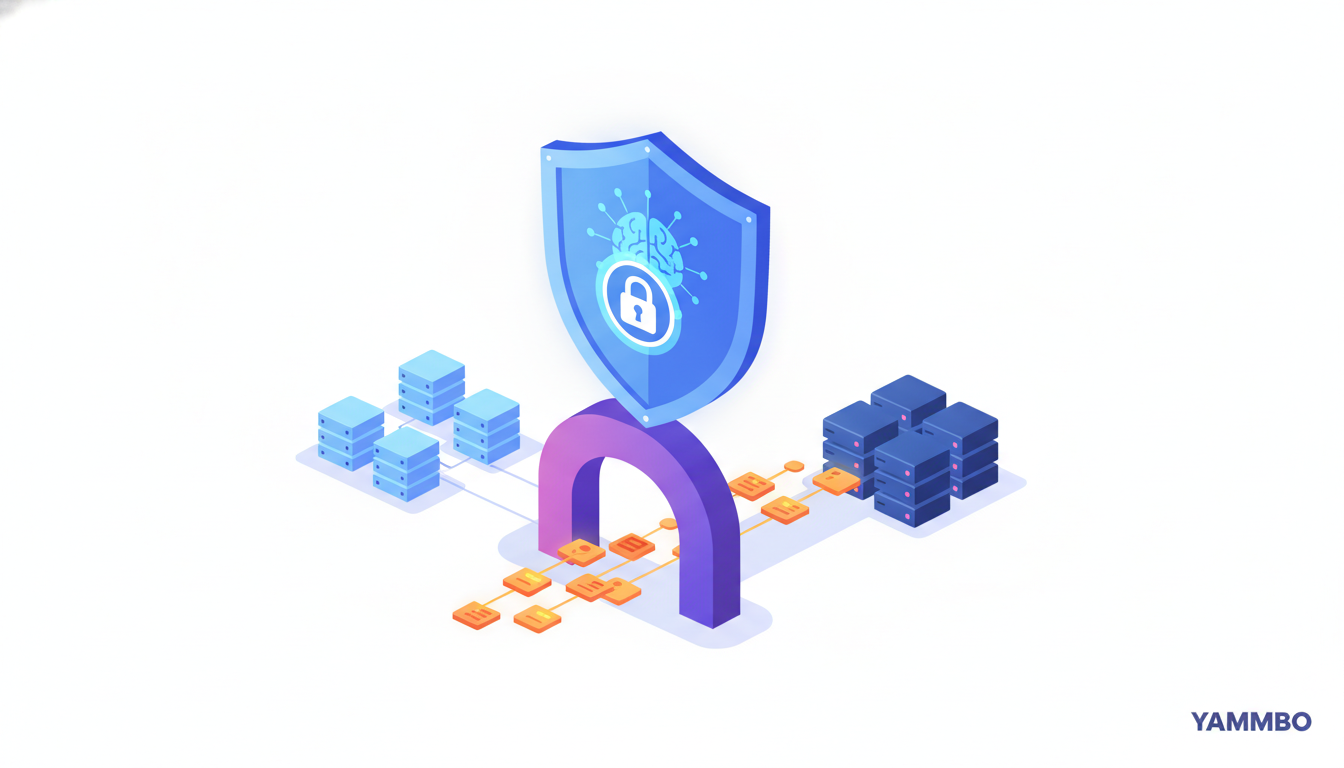
AI agents are increasingly powerful, capable of performing complex tasks that often require interaction with external services like GitHub, Jira, or various databases. However, granting these agents direct access to sensitive credentials—such as API tokens or database passwords—introduces significant security risks. Storing tokens in environment variables, configuration files, or even agent logs makes them vulnerable to exfiltration through various attacks, including sophisticated prompt injections. This tutorial will guide you through the concept of credential brokering, a robust security model that allows AI agents to perform authenticated actions without ever directly possessing the sensitive credentials themselves, thereby enhancing the overall security posture of your automated systems.
Step 1: Understanding the Credential Brokering Model
Credential brokering is a security pattern designed to isolate sensitive access tokens from the applications or agents that need to perform authenticated actions. Instead of an AI agent directly holding a GitHub token to open a pull request or a Jira token to file a ticket, it interacts with a dedicated brokering service. This service acts as an intermediary, managing and securely storing the actual credentials. When the agent needs to perform an action, it sends a request to the broker, which then retrieves the necessary credential from a secure secrets manager, executes the requested action against the external service on the agent's behalf, and returns only the result to the agent. This ensures that the sensitive token is never exposed to the agent's runtime environment, its memory, or its logs.
The primary benefit of this model is a significant reduction in the attack surface. If an attacker compromises the AI agent (e.g., via a prompt injection that allows arbitrary code execution), they will not find any usable credentials. The broker maintains a strict separation of concerns: the agent focuses on its task logic, and the broker handles secure authentication and authorization. This architecture is crucial for maintaining the integrity and confidentiality of your external service accounts.
Step 2: Setting Up a Secure Agent Environment
The foundation of credential brokering is an agent environment designed with zero-trust principles regarding credentials. This means your AI agent's sandbox or execution environment must be explicitly configured to never store or have access to sensitive tokens for external services. Follow these guidelines when setting up your agent:
- Isolated Execution Environment: Deploy your AI agent within a container (e.g., Docker) or a virtual machine that is strictly isolated from your secrets management infrastructure.
- Minimal Privileges: Grant the agent's runtime process only the bare minimum permissions required for its operation. It should not have file system access beyond its working directory, nor network access to anything other than the brokering service endpoint.
- No Environment Variables for Tokens: Crucially, do not set environment variables like
GITHUB_TOKEN,JIRA_TOKEN, or any similar credential within the agent's environment. - Disable Credential Helpers: Ensure that no credential helpers (e.g., Git credential managers) are configured or installed that could store or retrieve tokens for the agent.
- Clean File System: Perform a thorough scan of the agent's file system for any token-shaped strings or configuration files that might inadvertently contain credentials. This can be done with simple shell commands or regex searches.
For example, to verify the absence of common GitHub tokens, you might run commands like:
env | grep GITHUB_TOKENfind /path/to/agent/root -type f -exec grep -E 'gh[pous]_[0-9a-zA-Z]{36}' {} +The expected output for such commands should be empty, confirming that no GitHub tokens are directly present in the agent's environment.
Step 3: Configuring the Brokering Service and External Connections
With your agent's environment secured, the next step is to configure the brokering service to manage the actual credentials and establish connections to external services. This involves defining an 'actor' (the identity the agent will act as) and linking it to the necessary external service accounts.
- Identify Your Brokering Service: Choose a dedicated credential brokering service. These services typically integrate with a secrets manager to store credentials securely.
- Define an Actor Identity: Within the brokering service, create an 'actor' or 'identity' that represents the persona under which your AI agent will operate. This actor will be associated with the external service accounts.
- Connect External Services: Establish connections from the brokering service to your external accounts (e.g., GitHub, Jira). This usually involves an OAuth flow or providing an API key directly to the brokering service's secure configuration. During this process, you will specify the exact scopes or permissions required for the agent's tasks (e.g.,
reposcope for GitHub actions). - Configure Agent's Tooling: The AI agent's internal tools or functions should be configured to point to the brokering service's internal endpoint. This endpoint will typically be a secure, internal URL (e.g.,
https://trusted-actions.vpc-endpoint.internal/) that the agent can access. Crucially, this configuration should not include any bearer tokens or authentication headers for the agent itself.
The brokering service will store the authenticated connection details and tokens securely in its integrated secrets manager. The agent only knows the internal URL of the broker and the name of the tool it wants to invoke (e.g., github_create_pull_request).
Step 4: Authorizing Agent Access Through the Gateway
When an AI agent, through its configured tools, first attempts to interact with an external service via the brokering service, an authorization handshake occurs. This process ensures that the agent's requests are legitimate and that the necessary permissions are in place, all without exposing the underlying token to the agent.
- Agent Initiates Action: The AI agent decides it needs to perform an action, such as creating a pull request. It calls its configured tool, which internally routes the request to the brokering service's endpoint. For example,
agent.tools.github.createPullRequest('repo/name', 'branch', 'title'). - Brokering Service Checks Authorization: The brokering service receives the request and checks if the associated actor has an active, authorized connection to GitHub with the required scopes.
- Authorization Prompt (if needed): If the connection is not active or the scopes are insufficient, the brokering service does not return a raw error or a token. Instead, it returns a structured 'unauthorized' response to the agent. This response typically includes:
- A clear message indicating authorization is required.
- A sign-in link for a human user to complete the OAuth flow or re-authenticate.
- A one-time verification code.
- The exact scopes required (e.g.,
repo). - An expiry time and a hint for recovery (e.g.,
refresh_auth).
- Human Intervention: A human operator would then use the provided link and code to authorize the connection on the brokering service's console. This establishes the secure link between the brokering service and the external account.
This handshake ensures that the agent itself never sees any part of the authentication process or the token. It only receives instructions on how to proceed or an error indicating that human authorization is pending.
Step 5: Executing Authenticated Actions via the Broker
Once the brokering service has an active and authorized connection to the external service, the AI agent can seamlessly perform authenticated actions. The process remains the same from the agent's perspective, but behind the scenes, the brokering service handles all the sensitive operations.
- Agent Requests Action: The AI agent makes a request to the brokering service's endpoint, specifying the desired action (e.g.,
github_create_pull_request) and any necessary parameters. - Brokering Service Retrieves Credential: Upon receiving the request, the brokering service securely retrieves the appropriate GitHub token from its integrated secrets manager.
- Brokering Service Executes API Call: The brokering service then uses this token to make the actual authenticated API call to GitHub on behalf of the agent. For example, it might send a POST request to
api.github.com/repos/{owner}/{repo}/pulls. - Result Returned to Agent: GitHub processes the request and sends its response back to the brokering service. The brokering service then strips any token-shaped information from GitHub's response and forwards only the relevant result (e.g., a
201 Createdstatus, the pull request URL, or a204 No Contentfor a successful merge) back to the AI agent.
From the agent's perspective, it simply requested an action and received a result. It never interacted directly with GitHub's API, nor did it ever see the GitHub token. The entire process is abstracted and secured by the brokering service.
Step 6: Verifying Credential Absence in the Agent Environment
After successfully performing authenticated actions through the brokering service, it's crucial to re-verify that no credentials have inadvertently leaked into the AI agent's environment. This step confirms the effectiveness of the credential brokering setup.
- Re-scan Environment Variables: Execute commands to check for any newly introduced environment variables that might contain tokens. For example:
env | grep TOKEN - Inspect File System: Perform another comprehensive scan of the agent's file system, including temporary directories and logs, for any credential-shaped strings. Use regular expressions tailored to common token formats for services like GitHub (e.g.,
gh[pous]_[0-9a-zA-Z]{36}) or other APIs you interact with.find /path/to/agent/root -type f -exec grep -E 'gh[pous]_[0-9a-zA-Z]{36}|Bearer [A-Za-z0-9-_=]+\.[A-Za-z0-9-_=]+\.?[A-Za-z0-9-_.+/=]*' {} + - Check Credential Helpers: Ensure that no credential helpers have been activated or configured to store tokens.
- Review Agent Logs: Carefully examine the agent's operational logs to confirm that no sensitive tokens or parts of the authentication handshake (like sign-in links with codes) were logged by the agent itself. The logs should only reflect the agent's requests to the brokering service and the results received.
A successful verification will show zero instances of external service tokens within the agent's execution environment, confirming that the credential brokering model effectively isolates sensitive information. The only key present should be any necessary inference keys the model itself needs to operate, which are distinct from external service credentials.
By implementing credential brokering, you significantly enhance the security of your AI agents, safeguarding sensitive access tokens from potential compromise. This approach ensures that your agents can perform their tasks effectively while adhering to robust security best practices. To explore more ways to build secure and efficient digital solutions, visit Yammbo.