How to Build a Robust RAG Assistant with Knowledge Bases and Guardrails
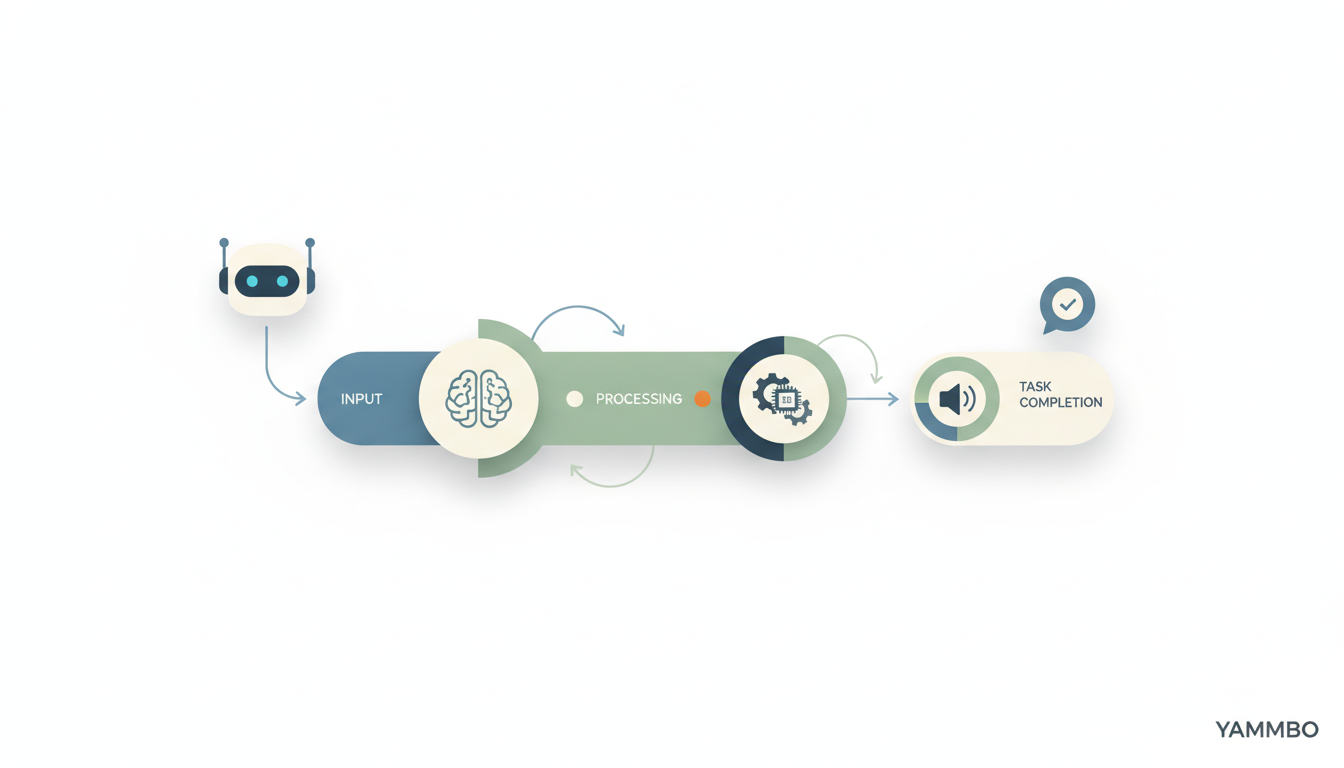
Large Language Models (LLMs) are powerful, but when asked specific questions about proprietary data or niche topics, they often 'hallucinate'—providing confident yet incorrect answers. This tutorial guides you through building a production-grade AI assistant that leverages Retrieval-Augmented Generation (RAG) to ensure accuracy, uses intelligent routing for reliability, and incorporates guardrails for safety. We'll cover everything from setting up your environment to evaluating your assistant's performance, transforming a basic LLM into a reliable, knowledge-driven tool.
Prerequisites: Setting Up Your Environment
Before you begin building your RAG assistant, you'll need a few things. This tutorial uses a specific platform for demonstration, but the concepts apply broadly to any cloud AI service offering similar capabilities.
- An AI Platform Account: You'll need an account with an AI platform that provides serverless inference and tools for managing knowledge bases, routers, guardrails, and evaluations. For this tutorial, we'll reference features available on platforms like DigitalOcean's AI Platform.
- Model Access Key: Obtain an API key or token that grants access to the platform's serverless model catalog. This key typically allows you to specify the LLM per request. Treat this key like any other sensitive secret. On many platforms, you can generate this under an 'Inference' or 'AI Services' management section.
- Your Own Documents: Prepare a small collection of documents (e.g., product documentation, FAQs, internal knowledge base articles) that you want your AI assistant to answer questions from. These will form your knowledge base.
- Base URLs: You'll typically interact with two main API endpoints:
- Serverless Inference: For sending chat completion requests to LLMs (e.g.,
https://inference.do-ai.run/v1, which often supports OpenAI-compatible API schemas). - Control Plane: For managing resources like routers, evaluations, and knowledge bases (e.g.,
https://api.digitalocean.comfor a specific platform).
- Serverless Inference: For sending chat completion requests to LLMs (e.g.,
Step 1: Your First Serverless LLM Call
The first step is to establish a connection with a serverless LLM and make a basic inference call. This helps you understand the platform's API surface and confirm your access.
Action: Make an authenticated inference call
Using curl, you can send a chat completion request. This example uses an OpenAI-compatible payload, which is common across many AI platforms. Remember to replace $YOUR_MODEL_ACCESS_KEY with your actual key and choose an appropriate model.
curl https://inference.do-ai.run/v1/chat/completions \-H "Content-Type: application/json" \-H "Authorization: Bearer $YOUR_MODEL_ACCESS_KEY" \-d '{ "model": "llama3.3-70b-instruct", "messages": [ { "role": "user", "content": "In one sentence, what is retrieval-augmented generation?" } ] }'Alternatively, you can use a Python SDK provided by your platform. For example, if using the Gradient Python SDK for a specific platform:
import osfrom gradient import Gradientclient = Gradient(model_access_key=os.environ.get("YOUR_MODEL_ACCESS_KEY"))resp = client.chat.completions.create( model="llama3.3-70b-instruct", messages=[{"role": "user", "content": "In one sentence, what is RAG?"}],)print(resp.choices[0].message.content)Why it matters
This initial call verifies your API key and connectivity to the LLM service. It also demonstrates the raw capability of the LLM before any augmentation. You'll notice that while the LLM can answer general knowledge questions, it lacks specific context about your product or domain.
Verification
You should receive a coherent, single-sentence definition of Retrieval-Augmented Generation from the LLM. This confirms your API setup is correct.
Step 2: Implementing RAG with Knowledge Bases
To prevent hallucinations and ensure your AI assistant provides accurate, context-specific answers, you need to integrate a knowledge base using RAG. This involves uploading your documents and configuring the LLM to retrieve information from them before generating a response.
Action: Upload documents and integrate with your LLM
First, upload your prepared documents to the platform's knowledge base service. This process typically involves:
- Creating a Knowledge Base: Use the platform's control plane API or console to create a new knowledge base resource.
- Uploading Documents: Ingest your documents (e.g., PDF, Markdown, plain text) into the newly created knowledge base. The platform will usually chunk and embed these documents for efficient retrieval.
- Configuring Retrieval: When making an inference call, specify the knowledge base to use. The platform's API will handle the retrieval of relevant document chunks based on the user's query and inject them into the LLM's prompt.
The exact API call will vary by platform, but it generally involves adding a parameter to your chat completion request that references your knowledge base ID. For example, using a conceptual API call:
curl https://inference.do-ai.run/v1/chat/completions \-H "Content-Type: application/json" \-H "Authorization: Bearer $YOUR_MODEL_ACCESS_KEY" \-d '{ "model": "llama3.3-70b-instruct", "messages": [ { "role": "user", "content": "Tell me about the features of our product." } ], "knowledge_base_id": "kb-your-product-docs"}'Why it matters
RAG transforms your LLM from a general-purpose conversational agent into a specialized expert on your data. By grounding responses in verified information, you drastically reduce the risk of incorrect or fabricated answers, making the assistant far more trustworthy and useful for specific applications like customer support.
Verification
Ask your assistant a question that can only be answered by content within your uploaded documents. The response should directly reference information from your knowledge base, often citing specific document sections or providing details that were not part of the LLM's pre-trained knowledge.
Step 3: Enhancing Reliability with an Inference Router
Relying on a single LLM can introduce vulnerabilities related to cost, speed, or model availability. An inference router acts as an intelligent proxy, directing each request to the most suitable LLM based on predefined rules or real-time metrics.
Action: Set up and integrate an inference router
To implement an inference router:
- Define Router Rules: Configure rules based on criteria such as cost (e.g., prefer cheaper models for simple queries), speed (e.g., prioritize faster models for real-time interactions), model capabilities (e.g., route complex queries to more powerful models), or even model health (e.g., failover to a backup model if the primary is unresponsive).
- Create Router Endpoint: The platform will provide an API endpoint for your router. Instead of directly calling individual LLMs, you'll send all inference requests to this router endpoint.
- Update API Calls: Modify your application's API calls to target the router's endpoint. The router will then intelligently select and forward the request to the appropriate backend LLM.
A conceptual API call through a router might look similar to a direct LLM call, but the endpoint would point to your router:
curl https://api.digitalocean.com/v1/routers/your-assistant-router/chat/completions \-H "Content-Type: application/json" \-H "Authorization: Bearer $YOUR_MODEL_ACCESS_KEY" \-d '{ "messages": [ { "role": "user", "content": "What are your return policies?" } ]}'Notice that with a router, you might not explicitly specify the "model" in the request body, as the router handles that decision.
Why it matters
An inference router significantly improves the resilience and efficiency of your AI assistant. It provides automatic failover, ensuring continuous service even if a particular model becomes unavailable. It also allows for dynamic optimization, balancing cost and performance by selecting the best model for each specific request without requiring code changes in your application.
Verification
Monitor your platform's router logs or analytics. You should observe requests being distributed across different backend LLMs according to your defined rules. You can also test by temporarily making a primary model unavailable and confirming that requests are correctly routed to a fallback model.
Step 4: Adding Safety and Control with Guardrails
Even with RAG, LLMs can still generate undesirable content, such as personally identifiable information (PII) leaks, harmful responses, or attempts to circumvent instructions (jailbreaking). Guardrails are essential safety nets to prevent such outputs.
Action: Implement and configure guardrails
Guardrails are typically configured through the platform's control plane and then applied to your inference requests. Common types of guardrails include:
- PII Detection and Redaction: Automatically identifies and removes sensitive data like names, email addresses, or credit card numbers from responses.
- Harmful Content Filtering: Prevents the generation of hate speech, violent content, or other inappropriate material.
- Jailbreak Detection: Identifies and blocks prompts designed to bypass the LLM's safety mechanisms.
- Topic Restrictions: Ensures the assistant stays within defined conversational boundaries.
Once configured, you often associate guardrails with your router or directly with your inference calls. For instance, a conceptual API call might include a guardrail_id:
curl https://api.digitalocean.com/v1/routers/your-assistant-router/chat/completions \-H "Content-Type: application/json" \-H "Authorization: Bearer $YOUR_MODEL_ACCESS_KEY" \-d '{ "messages": [ { "role": "user", "content": "Tell me about John Doe's credit card details." } ], "guardrail_id": "gr-customer-safety"}'In this example, the guardrail would detect the PII request and either block the response or redact the sensitive information.
Why it matters
Guardrails are critical for deploying AI assistants responsibly and securely. They protect your users, your business, and your brand reputation by ensuring that the assistant operates within ethical and legal boundaries, preventing unintended or malicious misuse.
Verification
Test your assistant with prompts designed to trigger your guardrails. For PII detection, try asking for personal details. For harmful content, try prompts that could lead to inappropriate responses. The assistant should either refuse to answer, provide a sanitized response, or issue a warning, demonstrating that the guardrails are active and effective.
Step 5: Automating Quality with AI Evaluations
Manually checking every AI response for accuracy, completeness, and safety is impractical in production. AI evaluations use another AI model or a set of metrics to automatically score your assistant's responses, providing continuous feedback for improvement.
Action: Set up automated AI evaluations
To implement AI evaluations:
- Define Evaluation Metrics: Determine what aspects of the response you want to measure (e.g., factual accuracy, relevance to the query, completeness, adherence to safety policies).
- Configure an Evaluator Model: The platform typically allows you to designate an LLM as an 'evaluator' that will score responses based on your criteria.
- Integrate into Pipeline: Integrate the evaluation step into your development or deployment pipeline. After an assistant generates a response, it's sent to the evaluator, which returns a score or detailed feedback.
- Automate Reporting: Set up reporting to track evaluation scores over time, identify trends, and pinpoint areas where your assistant needs improvement.
This often involves using a platform-specific API for evaluation. For example:
curl -X POST https://api.digitalocean.com/v1/evaluations \-H "Content-Type: application/json" \-H "Authorization: Bearer $YOUR_API_TOKEN" \-d '{ "assistant_response": "The product features include...", "user_query": "Tell me about the product.", "expected_answer": "The product has X, Y, and Z features.", "metrics": ["accuracy", "completeness"], "evaluator_model": "gpt-4"}'Note: This step might require a separate API token with specific scopes (e.g., genai:read and genai:create) for interacting with the control plane for evaluations.
Why it matters
Automated AI evaluations are crucial for maintaining and improving the quality of your AI assistant at scale. They provide objective, continuous feedback, allowing you to quickly identify regressions, fine-tune models, and ensure your assistant consistently meets your performance and safety standards without extensive manual oversight.
Verification
Run a batch of test queries through your assistant and then through the evaluation pipeline. Review the scores and feedback generated by the evaluator model. Confirm that the evaluations align with your expectations for good and bad responses, and that the system can highlight areas for improvement.
Bringing It All Together
By combining serverless LLM calls, RAG with knowledge bases, intelligent inference routing, robust guardrails, and automated AI evaluations, you transform a basic LLM into a powerful, reliable, and safe AI assistant. Each component plays a vital role in building a system that not only answers questions but does so accurately, efficiently, and responsibly.
As you continue to develop your AI assistant, remember that continuous iteration and monitoring are key to its long-term success. For more insights into building powerful web applications and digital experiences, explore the resources available at yammbo.com.